

Introduction
Hey everyone, I'm Oil. This guide walks through how solo indie developers accept real payments online.
Vibe Coding lets you build a website, tool, or paid Skill fast—but monetization immediately hits three practical walls: standard domestic WeChat Pay / Alipay merchant accounts require a registered company license; you want one setup handling both domestic QR payments and overseas USD cards; and even knowing personal Hong Kong Stripe exists, the exact bank-card, address, and code-integration steps feel murky. Here's the exact path I use.
Why Choose Stripe as a Solo Indie Developer
Without a corporate business license in mainland China, you cannot apply for direct official WeChat Pay or Alipay merchant accounts. A few domestic indie-friendly gateways do exist:
- XunhuPay: Personal-ID aggregated WeChat/Alipay gateway.
- LDXP: Digital-goods checkout and settlement platform for solo builders.
- Alipay AI Pay: Alipay's newer payment option supporting individual AI apps and agents.


Why did I go straight to Stripe instead? Two reasons:

1. One Stack Covers Both Domestic Buyers and Global Expansion
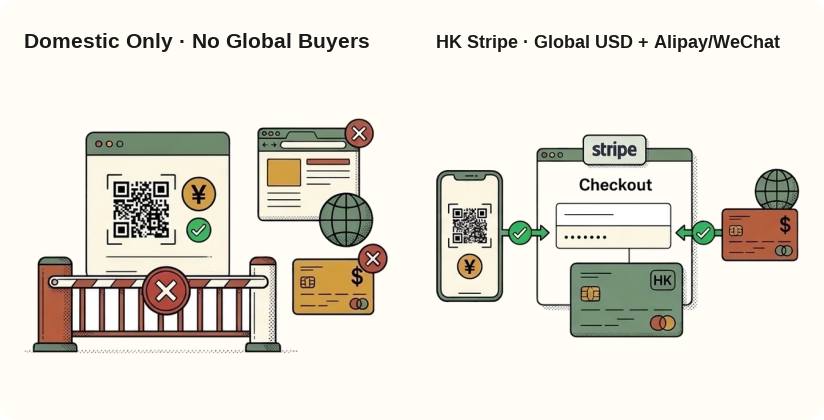
Domestic-only gateways lock you out of global customers. With Stripe, you can enable Alipay and WeChat Pay for early social traffic in China and accept USD payments as you add SEO and internationalize your site later.
2. Mainstream Platform with Minimal Maintenance Overhead
I didn't test other international gateways because Stripe is already the mainstream choice and my day-job team's SaaS product ran on it—so going straight to Stripe avoided extra maintenance overhead. It also has $0 monthly fixed cost: you only pay per successful transaction (for HK accounts, roughly 3.4% + HK$2.35 on cards, 2.2% + HK$2 on WeChat/Alipay, plus ~2% FX conversion when settling across currencies).
Because of fixed per-transaction minimums, avoid $1–$2 micro-pricing where fees eat too much margin—price digital products at $5–$10+ or higher.
Preparing & Activating a Hong Kong Personal Stripe Account
1. Three Prerequisites
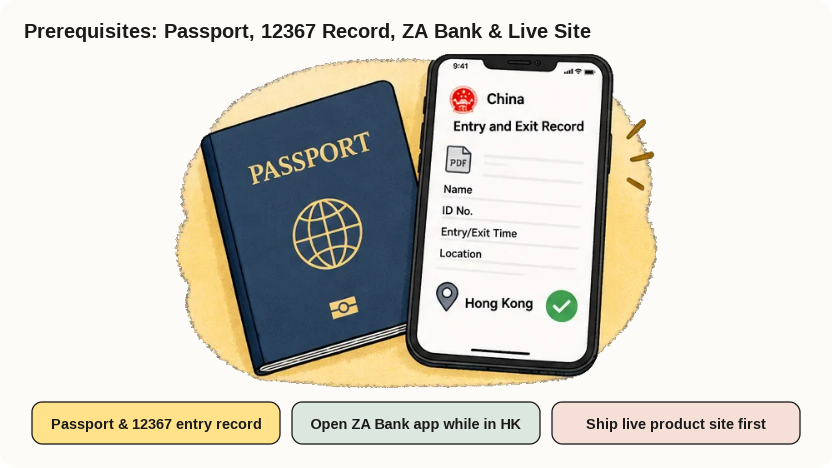
- National ID & Passport: Use your passport number during Stripe HK identity verification.
- A Hong Kong bank account for payouts: HK Stripe cannot settle directly into a mainland RMB card. I opened ZA Bank (HSBC HK works too).
- A live product website first: Deploy your product site before applying so Stripe can review a real business page.


Note on opening a zero-deposit HK bank account: while Stripe signup happens online anywhere, opening ZA Bank requires physically crossing into Hong Kong once with your Hong Kong & Macau Travel Permit (same-day trip)—connect to roaming data, export your entry record via the WeChat 12367 immigration mini-program, and complete onboarding inside the bank app. If you can't travel to Hong Kong right away and only sell in mainland China, start with Alipay AI Pay or XunhuPay first.
2. Key Fields During Stripe HK Activation
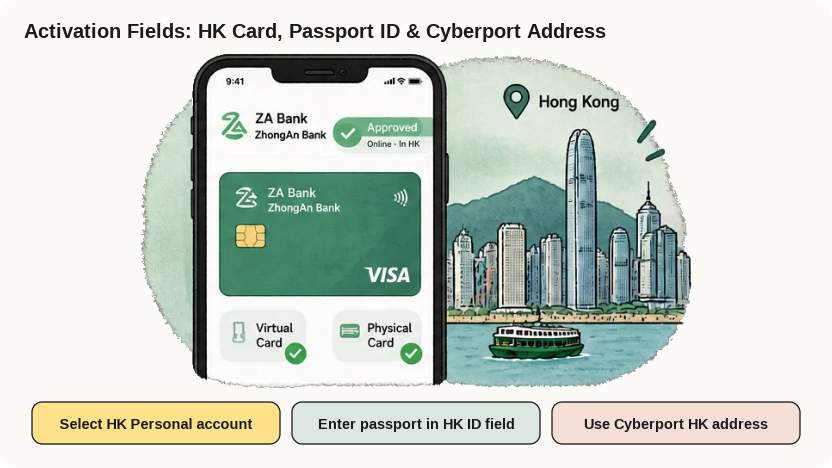
- Identity ID: Enter your passport number in the HK ID field.
- Hong Kong address: I used ZA Bank's Cyberport office building address (
Hong Kong Island,Core F, Cyberport 3, 100 Cyberport Road).
This works smoothly for early-stage indie volume; if revenue later grows large enough to trigger secondary proof-of-address or identity review, upgrade to a Hong Kong corporate entity then.
3. Enabling Alipay & WeChat Pay, Compliance Red Lines & Spending Payouts
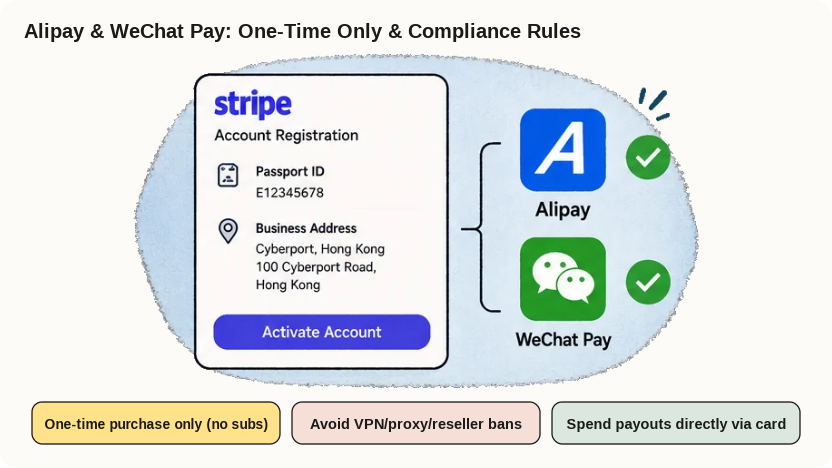
- One-time payments only: Alipay and WeChat Pay inside Stripe do not support recurring subscriptions.
- Respect prohibited categories: Legitimate indie apps, AI tools, and Skills approve easily; VPN/proxy services, API reselling/relays, and shared-account rentals are strict red lines that risk rejection or frozen funds.
- Using settled funds: Instead of wiring funds back to mainland China, I spend directly off my ZA Bank card for overseas SaaS and AI subscriptions.
Integrating Stripe with AI & Official Plugins
1. Four Core Stripe Concepts Before Coding
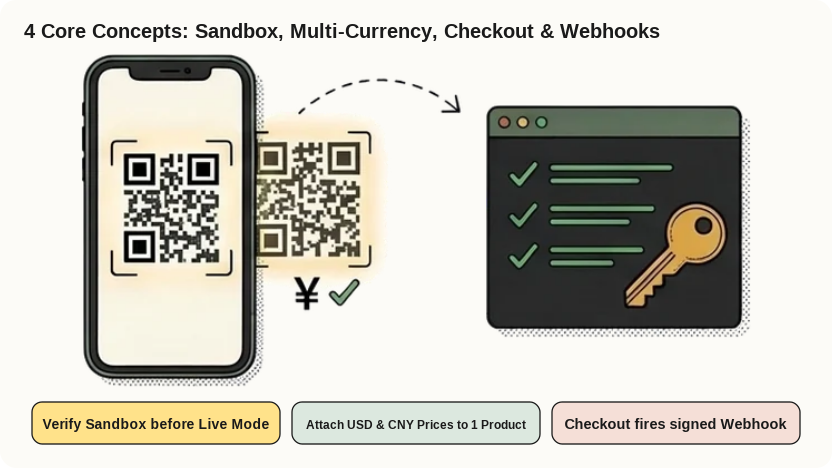
- Sandbox vs. Live Mode: Test end to end in Sandbox with zero real charges, then switch to Live Mode.
- Product & Multi-Currency Prices: One
Productcan hold multiplePriceobjects—e.g.,USDfor global buyers andCNYfor domestic buyers. - Checkout & Customer Portal: Hosted Stripe Checkout handles cards, Alipay, and WeChat QR cleanly; Customer Portal lets users view receipts.
- Signed
Webhook: Stripe posts a cryptographically signed event to your backend after payment—remember Sandbox and Live use separatewhsec_signing secrets.
2. Using Official AI Agent Stripe Plugins
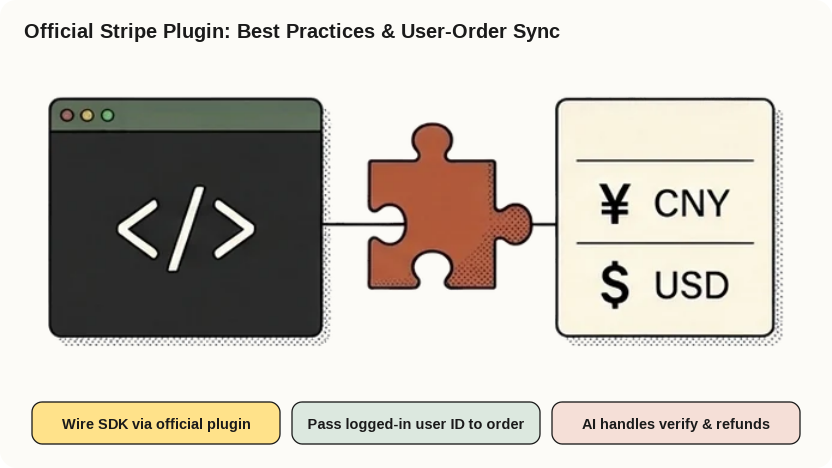
Major AI Agents now ship official Stripe plugins with best practices baked in—creating products/prices, wiring the official SDK, generating Checkout links, verifying Webhooks, and handling refunds. Because users sign in before checkout, passing the logged-in user ID inside session metadata ties payments cleanly to your user table.

3. Fraud Defense & Multi-Product Accounts
- Keep Radar + 3DS enabled for overseas cards: Guards against stolen-card testing and costly chargeback disputes; refund suspicious orders proactively.
- Group one brand under one Stripe account: Related products under one umbrella (
ui.oiloil.org,book.oiloil.org) share one Stripe account as separate Stripe Products; unrelated ventures can use separate sub-accounts.
Live End-to-End Real-Money Verification
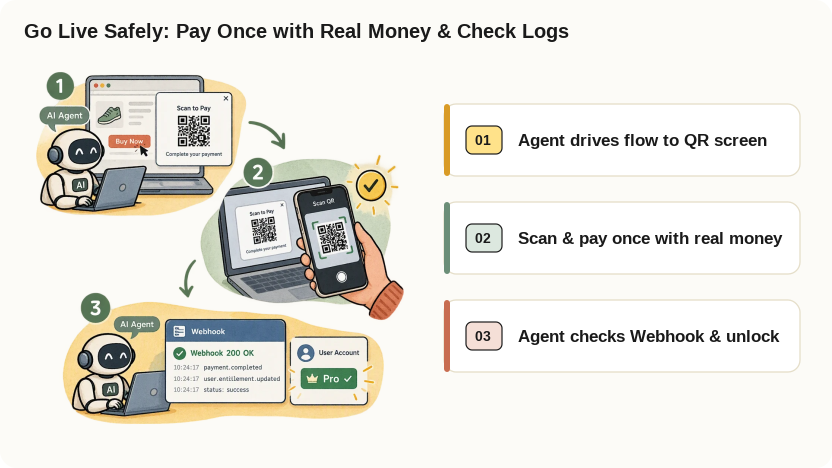
Seeing green toggles in the Stripe dashboard—or even seeing a QR code pop up—does not prove production works (mismatched live whsec_ secrets or broken callbacks are classic silent failures).
My approach is simple: after going live, make one real payment with your own money. Let your AI Agent drive browser login and checkout up to the QR code, scan and pay with your phone, then let the Agent confirm instant unlock, Stripe Webhook delivery logs, and server logs.
Summary
- Cross into Hong Kong with your Hong Kong & Macau Travel Permit to open an HK bank account (e.g., ZA Bank), and deploy your live product site first.
- Activate HK personal Stripe with your passport and enable Alipay/WeChat Pay (one-time checkout, compliant categories).
- Wire
Product/Price,Checkout, andWebhookvia official Stripe Agent plugins. - Always run one real-money live transaction before announcing launch—then see How to Build a Commercial Paid Skill for productizing paid offerings.